Category : Minecraft Texture Packs
Genres : Themed Texture Packs
Resolution: 16x
Developer : Sirius1912
Compatible : Minecraft 1.3.2
Last Updated : September 26, 2012
A star wars themed pack

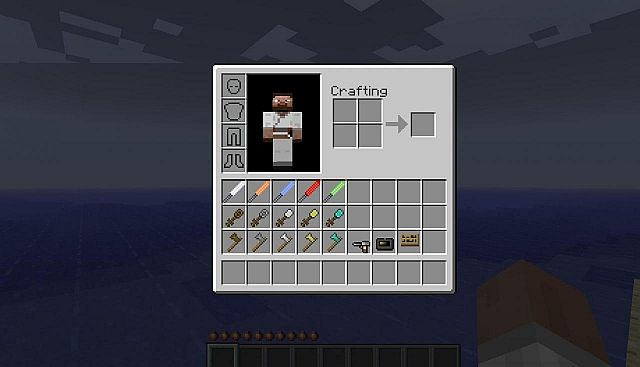
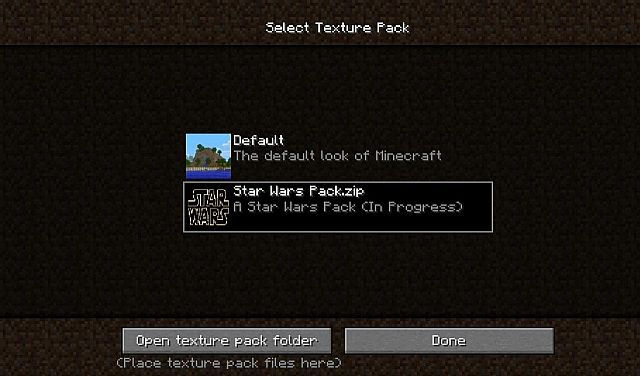
How to Install Star Wars Texture Pack for Minecraft 1.3.2
- Download the texture pack
- Run the game normally
- Select “mods and texture pack”
- Open “texture pack” folder
- Copy and paste the texture pack here without unzipping
- Done!

http://www.9minecraft.net/star-wars-texture-pack/

No comments:
Post a Comment